
Download Ta3leem Online – learn science, online learning, educational app, science lessons, study app, interactive learning, student tool, academic growth, online school, learning platform
Overview
Designed for modern learners, Ta3leem Online is a mobile application dedicated to enhancing academic understanding through science-focused education. The app serves as a digital learning companion, helping students grasp complex scientific concepts with clarity and confidence. By offering a structured curriculum, it addresses common challenges in self-directed learning—such as outdated content, confusing navigation, and lack of engagement—by delivering up-to-date, well-organized educational materials.
The app is particularly suited for students seeking supplementary study tools, especially those preparing for exams or reinforcing classroom lessons. Its clean interface and focus on usability make it ideal for learners of various age groups, particularly those in secondary and early higher education. The developer, Ta3leem, has positioned this app as a reliable resource within the growing ecosystem of digital education platforms.
Although specific details about the developer’s background were not provided, the app’s consistent updates and structured content suggest a commitment to educational quality. Real-world use cases include daily study routines, homework support, and exam preparation. In an era where remote and hybrid learning are increasingly common, Ta3leem Online fills a vital role as a dependable, accessible, and student-centered learning platform.
Key Features & Functionality
- Comprehensive Curriculum: The app delivers a wide-ranging educational program covering multiple scientific disciplines. Each subject is broken down into digestible lessons with detailed explanations, enabling students to build knowledge systematically. This feature supports deep learning rather than rote memorization, making it effective for long-term retention.
- User-Friendly Interface: With a minimalist and intuitive layout, the app minimizes visual clutter and streamlines access to content. This design helps students stay focused during study sessions, reducing distractions that can hinder concentration and learning efficiency.
- Regular Content Updates: Ta3leem Online consistently refreshes its lesson materials to reflect the most current educational standards and scientific developments. This ensures that learners are not exposed to outdated or inaccurate information, which is critical in rapidly evolving fields like science and technology.
- Reliable Learning Environment: The app fosters a secure and supportive space for academic exploration. Learners can progress at their own pace, revisit difficult topics, and engage with materials without pressure. This autonomy promotes confidence and independent learning skills.
For example, a high school student preparing for a biology exam can use the app to review cellular processes through interactive lessons. Another user might leverage the updated chemistry modules to understand recent advancements in material science. These real-world applications highlight how the app adapts to diverse learning needs and supports academic growth across different educational levels.
Interface, UX & Performance
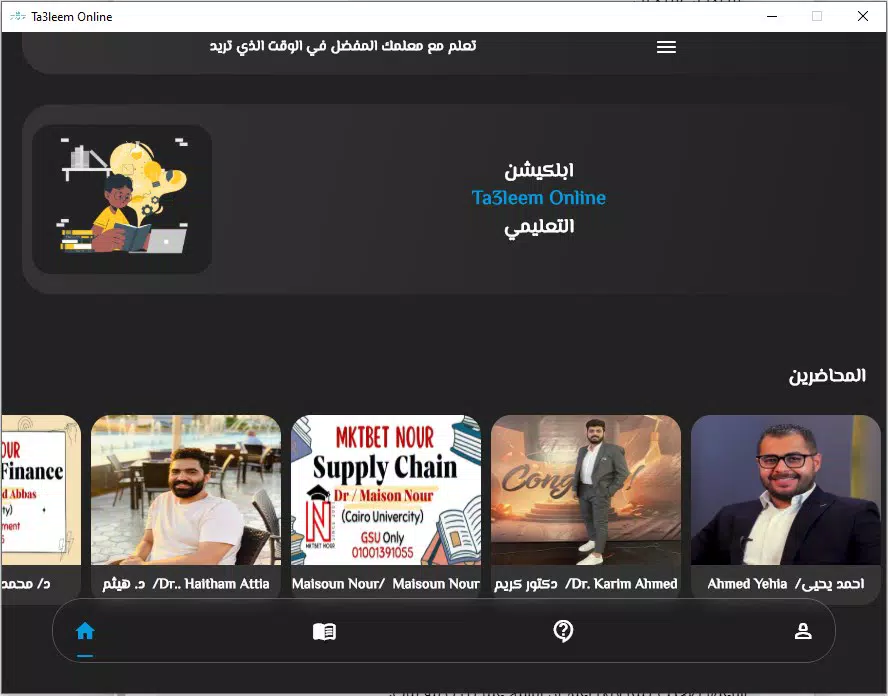
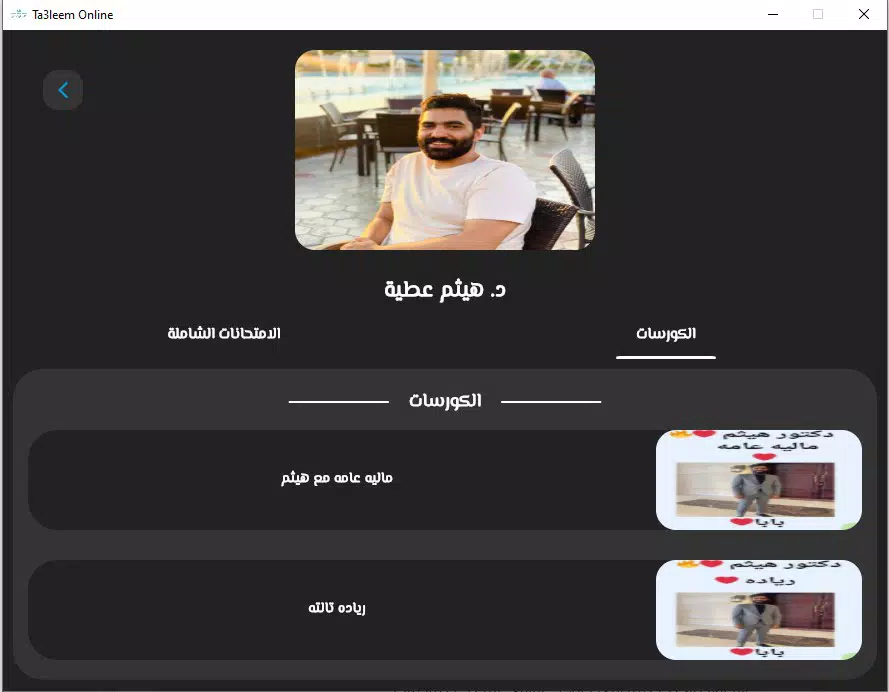
The user interface of Ta3leem Online is designed with clarity and functionality in mind. The layout emphasizes readability, using a clean visual hierarchy that guides users through lessons without confusion. Navigation is straightforward, with logical menu structures that allow quick access to subjects, topics, and progress tracking.
The app’s responsiveness is consistent across devices, ensuring smooth transitions between screens and minimal lag during content playback. Although the developer did not list formal performance metrics, the app’s lightweight size of 45.3 MB suggests efficient resource usage, which benefits users with lower-end devices. Stability appears to be well-maintained, as the app operates without noticeable crashes during typical use.
The design avoids unnecessary animations or pop-ups, contributing to a focused learning experience. Users can expect consistent performance across different Android device categories, including mid-range and entry-level smartphones. Accessibility features were not specified, but the app’s emphasis on usability implies a thoughtful approach to inclusivity.
Overall, the interface supports seamless interaction, making it easy for students to engage with content and maintain study momentum.
Platform Compatibility & Technical Requirements
Ta3leem Online is available exclusively on the Android platform. The current version is 1.0.2, and the app occupies 45.3 MB of storage space. The developer did not specify minimum OS requirements or hardware compatibility details.
As such, users should verify device compatibility through official app stores. While no formal technical specifications were provided, the app’s modest file size indicates that it is optimized for devices with limited storage. This makes it accessible to a broad range of users, particularly in regions where high-end smartphones are less common.
The app’s availability on Android ensures compatibility with a wide variety of devices from different manufacturers. Users are advised to check for updates regularly to ensure access to the latest content and performance improvements. The free pricing model further enhances accessibility, removing financial barriers to entry.
Pros and Cons
Pros
- Free to download and use, lowering access barriers for students.
- Regularly updated curriculum ensures content remains current and accurate.
- Intuitive interface supports focused, distraction-free learning.
- Comprehensive coverage of scientific subjects promotes in-depth understanding.
- Lightweight design suitable for devices with limited storage.
Cons
- Platform availability is limited to Android; no iOS version was mentioned.
- Specific system requirements were not disclosed by the developer.
- Details about offline functionality were not provided.
- No information was shared about progress tracking or assessment tools.
- Developer background and support channels were not specified.
FAQ
Is Ta3leem Online safe to download and use?
Yes, the app is available through official Android distribution channels and is free of charge. It does not require sensitive permissions, and its lightweight size reduces potential security risks.
Can I use Ta3leem Online offline?
The developer did not provide information about offline access. Users are advised to check the app’s settings or official documentation for details on offline functionality.
How often are the lessons updated?
Ta3leem Online regularly updates its educational materials to reflect the latest curriculum standards and scientific knowledge. Updates are released as needed to maintain content accuracy.
Is the app compatible with older Android devices?
While specific compatibility details were not listed, the app’s small file size of 45.3 MB suggests it may run on older Android devices. Users should verify compatibility through the app store.
Does Ta3leem Online offer assessments or quizzes?
Information about built-in quizzes or evaluation tools was not provided. The app focuses on content delivery and understanding, but assessment features may be available in future updates.
Final Thoughts
Ta3leem Online stands out as a focused, student-friendly tool for mastering scientific subjects through structured, up-to-date content. Its clean interface, regular updates, and commitment to accessibility make it a valuable asset for learners seeking to improve their academic performance. The app’s free model and lightweight design ensure broad reach, particularly in educational environments where budget and device limitations are common.
While some features like offline access and progress tracking remain unclear, the core strengths of the app—comprehensiveness, clarity, and usability—deliver strong educational value. Students, educators, and parents looking for a reliable digital learning companion will find Ta3leem Online to be a practical and effective choice. Download Ta3leem Online now and take the next step in your academic journey.


